Campaigns that read like messages, not blasts
Personalise every message with the contact's name and your own fields, add buttons or media, and schedule it. Set the sending pace for your campaign.
Your sending hours. Your daily limits.
From your first WhatsApp campaign to the follow-up that brings a customer back. Explore the tools for messaging, automation and working together, with Instagram alongside.
A familiar channel. A new beginning.
Link your WhatsApp number with a QR code or connect your Instagram professional account through its own sign-in.
Choose the channel and tools that fit your business. Keep WhatsApp campaigns and Instagram content clearly organised.
Give each conversation a useful next step, with the features included in your plan.
Your WhatsApp workspace
Personalise every message with the contact's name and your own fields, add buttons or media, and schedule it. Set the sending pace for your campaign.
Give an agent your instructions and product knowledge. It answers and hands the chat to a person when needed.
Answer keywords and button taps, with business hours and a different reply when you are closed.
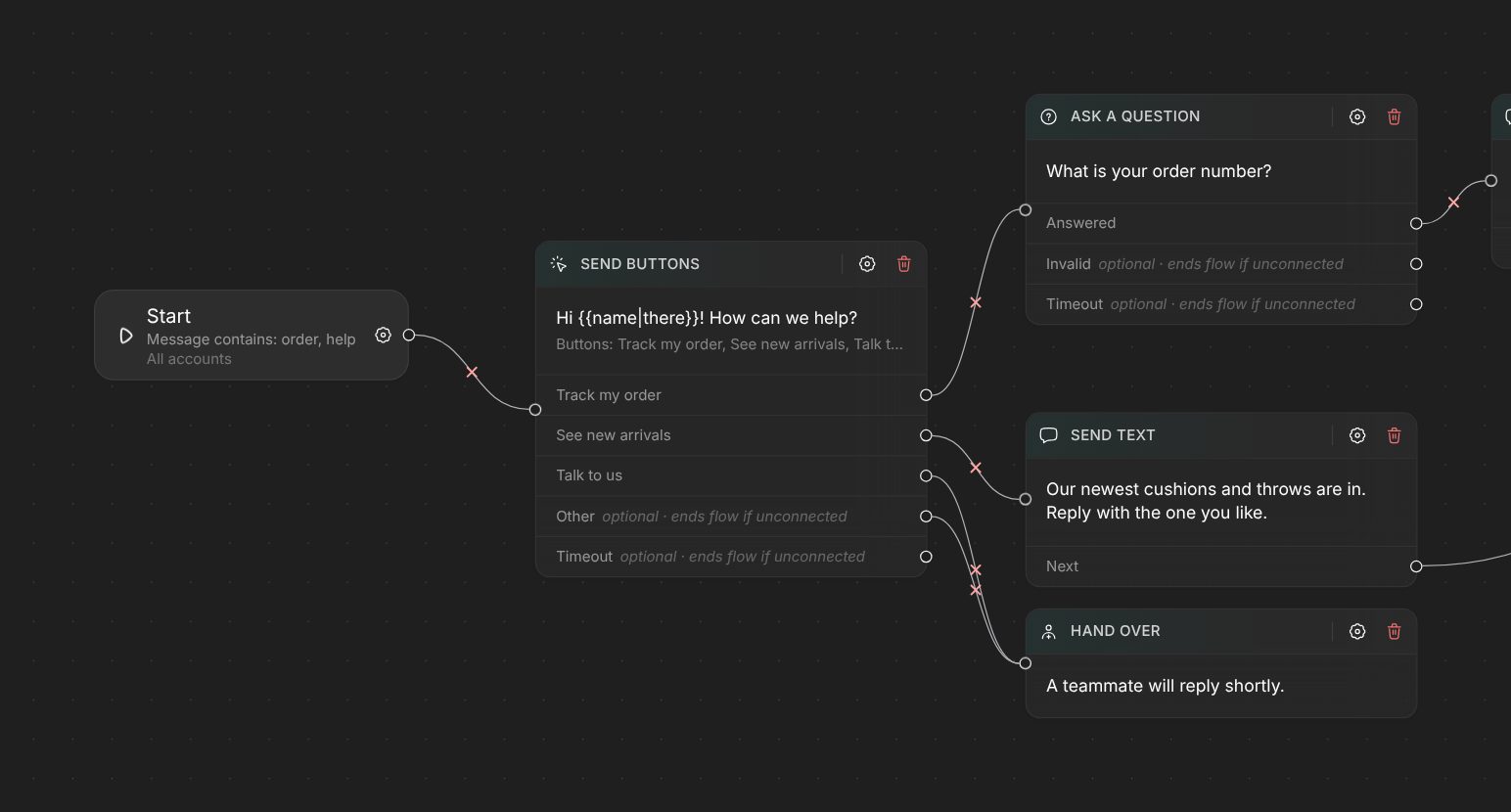
Questions, buttons, lists, conditions, waits, API calls and hand-overs on one canvas. Publish and it runs on the numbers you choose.
Post to the groups and channels your numbers belong to, now or on a schedule.
When a customer calls and nobody picks up, send a WhatsApp reply so the conversation can continue.
Looking for a dedicated inbox and contact history on top of this? See how a WhatsApp CRM fits in.
Your Instagram workspace
Give Instagram its own place in your business. Connect your professional account and work with the content and conversations your audience already knows.
Work with Instagram comments and messages. Keep the next step relevant to the conversation.
Use supported images, cards, website buttons and text quick replies to help people explore and respond.
Work with Instagram posts, reels and stories alongside your customer conversations.
Instagram features depend on your plan, account permissions and Meta's messaging rules. WhatsApp campaigns, groups and QR linking are separate WhatsApp features. See how both channels work together.
Organise the people you talk to and the work that follows. Availability and limits depend on your plan.
Build a sequence of messages over time. Choose how contacts enter, when each step sends and when a contact leaves the sequence.
Keep contacts organised in groups, use custom fields to personalise messages and give teammates access to the work they handle.
Use the REST API to send WhatsApp messages from your own app or CRM through a connected number. Reuse message templates across your workflows.
See messaging activity and delivery results in your dashboard. Filter by account to understand how each number is performing.
Made for the WhatsApp conversation
WhatsApp formats for your campaigns, auto-replies, and flows. Pick one. See it in action.
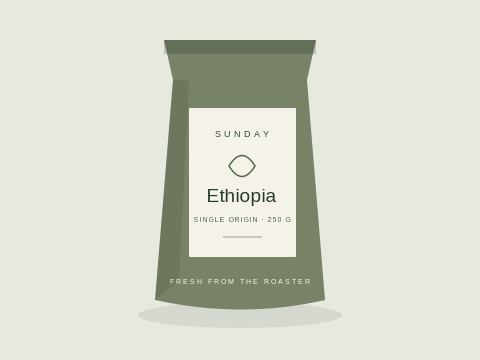
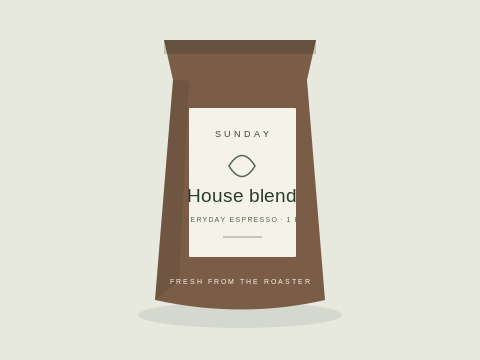
Give customers a clear way forward. Track an order, explore an offer, or send a quick reply with a tap.
Order updates · Offers · Quick repliesFind your planAn example of what your customer receives.
Bring a launch, a new arrival, or a weekend special straight into the conversation with rich media.
Product launches · New arrivals · AnnouncementsFind your planAn example of what your customer receives.
Put several products in one conversation, each with its own image, details, and next step.
Collections · Product discovery · RecommendationsFind your planSwipe the cards to explore the example collection.
Invite your audience into the decision. Learn what they want next without sending them to another form.
Customer feedback · Preferences · Community votesFind your planAn example of what your customer receives.
Organise the options into a simple menu, so customers can find the help or product they came for.
Support menus · Service selection · Guided journeysFind your planAn example of what your customer receives.
Share a set of images together. Make room for the details, the different angles, and the bigger picture.
Lookbooks · Project updates · Product detailsFind your planAn example of what your customer receives.
WhatsApp sending controls
Choose when and how your WhatsApp campaigns send. Always message people who expect to hear from you; pacing does not guarantee protection from restrictions.
Each message waits a random time inside the range you set.
Campaigns pause outside your hours, in the timezone you pick.
Cap how many messages a campaign sends per day.
Show a typing indicator before the message.
A STOP reply unsubscribes a contact from every group, and campaigns skip them.
Answers to customers jump ahead of queued campaign messages.
Choose the tools that fit each conversation. Your workspace brings the channels together while keeping their capabilities distinct.
| Channel | ||
|---|---|---|
| Your connection | Use your existing WhatsApp number | Connect your Instagram professional account |
| Your content | WhatsApp message formats, campaigns and flows | Instagram posts, reels and stories |
| Your conversations | Customer chats on your connected number | Comments and messages on your Instagram account |
| Your plan | WhatsApp features and number limits | Instagram features and account limits |
For agencies & resellers
Run your own customer communication platform. Your name, your identity, and the channels included in your plans.
Become a resellerMake yourself at home.
Every conversation. Every customer. All yours.
Bring your channels into one workspace. Choose the plan that fits your business. Free trials available for up to 14 days.
Start free trial