WhatsApp CRM Software in India: How to Choose
The 3 real ways WhatsApp CRMs connect in India (official API, browser extension, multi-account), honest pricing, and how to pick the right one.
Vaibhav, , 5 min read
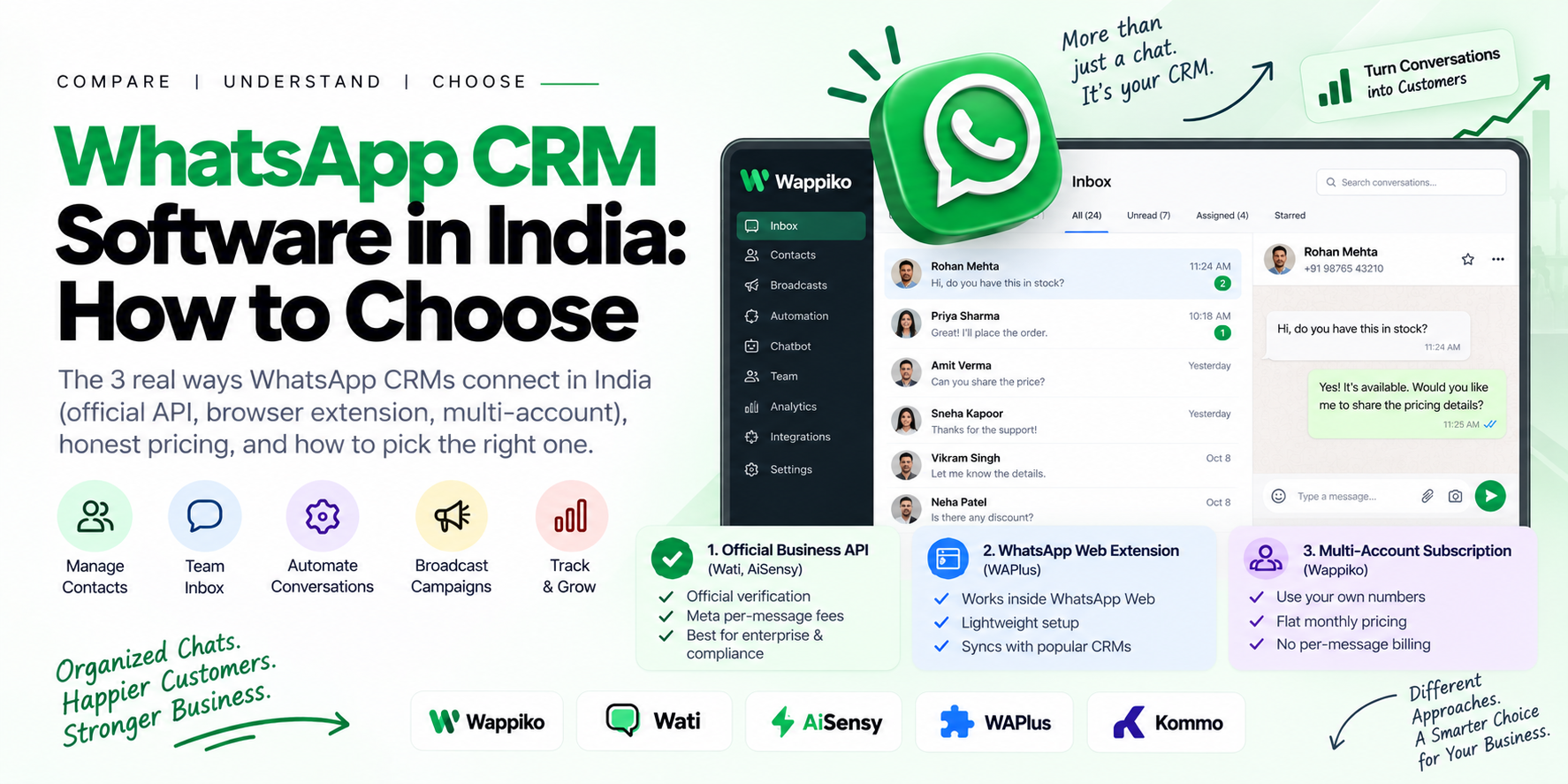
Quick answer: a WhatsApp CRM is any tool that turns your WhatsApp conversations into organized, trackable customer records — instead of scrolling through an app for who said what. In India, the options split into three real categories: official Business API platforms (Wati, AiSensy), WhatsApp Web browser extensions (WAPlus), and flat-subscription multi-account tools (Wappiko). Which one fits depends less on features — most cover contact management and team inboxes — and more on your billing model and how many people need access.
What a WhatsApp CRM Actually Does
Strip away the marketing language and every WhatsApp CRM handles some combination of these:
Contact and conversation history — every chat tied to a customer record, not scattered across an app.
Team inbox — multiple people replying from shared numbers without stepping on each other.
Automation — auto-replies, chatbot flows, drip sequences that don't need a human watching 24/7.
Broadcast/campaigns — sending updates or offers to segments of your contact list at once.
External CRM sync — pushing WhatsApp data into HubSpot, Salesforce, Zoho, or a sales pipeline you already run.
The real differences between tools are in how they connect to WhatsApp and how they bill you — not which of the above they support, since almost all of them support most of it.
The Three Ways These Tools Actually Connect to WhatsApp
1. Official Business API (Wati, AiSensy)
Built on Meta's Cloud API. You get official verification and Meta-tracked quality ratings, but you're billed on two layers: the tool's own subscription plus Meta's per-conversation fees (see our full API pricing breakdown for what that second layer actually costs). Best fit if you specifically need the official badge for enterprise or compliance reasons.
2. WhatsApp Web Browser Extension (WAPlus)
Runs inside WhatsApp Web itself rather than connecting through the API. Lighter setup, syncs with CRMs like HubSpot and Salesforce, but ties you to a browser session rather than a standalone platform — worth knowing before you build a team workflow around it.
3. Multi-Account Subscription (Wappiko)
Connects multiple WhatsApp accounts you already own via QR code, distributing campaigns and conversations across them under one flat monthly plan — no per-message billing, no browser dependency. The tradeoff: no official Meta verification badge, which matters if that specific status is a requirement for you.
Comparison at a Glance
| Tool | Connection Type | Price | Billing Cycle | Users Included | Notable For |
|---|---|---|---|---|---|
| Wappiko | Multi-account (your own numbers) | ₹299/month | Monthly | Unlimited on paid plans | No per-message billing, chatbot flow builder on higher tiers |
| Wati | Official Cloud API | ₹2,699 – ₹16,799/month + Meta fees | Billed quarterly, no monthly option | 3–5, extra users ₹1,299–₹2,199/month each | India-built, established support, AI agents |
| AiSensy | Official Cloud API | From ~₹1,500/month + GST + Meta fees | Monthly or annual | Not seat-limited; fair-use caps instead | 2,000+ CRM/e-commerce integrations |
| WAPlus | WhatsApp Web extension | $0 – $20.99/user/month | Monthly or annual, free tier available | Per-user pricing | Lightweight, syncs with HubSpot/Salesforce/Zoho |
| Kommo | Official Cloud API | $25 – $45/user/month | 6-month minimum, no monthly billing | Per-user pricing | Full sales-pipeline CRM, WhatsApp is one channel among several |
Prices confirmed directly from each vendor's own pricing page as of November 2026. WAPlus and Kommo bill in USD per user; the others bill in INR. Software pricing changes often — confirm current rates before committing.
Three other names come up often in this space — Interakt, Gupshup, and Sinch — worth a mention even though they did not make the table above. Interakt is another India-focused official-API platform, roughly in the same ₹2,500–₹4,500/month range as Wati before Meta's fees, often chosen by Shopify sellers for its store integration. Gupshup and Sinch sit a tier up: enterprise CPaaS platforms with usage-based, contact-sales pricing and no published self-serve plans — they make sense once you are sending at a volume where a dedicated account team and custom infrastructure matter more than a five-minute signup, but they are overkill for most small and mid-size teams comparing tools on this page.
How to Actually Choose
Need the official Meta verification badge specifically: Wati or AiSensy are the established official-API routes in India — budget for their per-message fees on top of the subscription.
Running WhatsApp as one channel inside a bigger sales pipeline: Kommo or a CRM-first tool makes more sense than a WhatsApp-only platform.
Want a lightweight setup with no new platform to learn: a WhatsApp Web extension like WAPlus gets you moving fastest, with the tradeoff of being tied to a browser session.
Want predictable costs and don't need official verification: a flat-subscription tool like Wappiko removes the second, variable billing layer entirely — see how the bulk-sending comparison breaks down the same tradeoff for high-volume campaigns.
Common Questions
Is a WhatsApp CRM the same as WhatsApp Business API?
No. The API is Meta's underlying infrastructure; a WhatsApp CRM is the software layer built on top of it (or, for extension-based tools, built on top of WhatsApp Web instead). Some CRMs use the official API, some don't — that choice is what actually drives most of the pricing and feature differences.
Do I need the official Meta verification badge?
Only if a client, partner, or compliance requirement specifically asks for it. For most small and mid-size businesses messaging their own existing customers, it's not a functional requirement — it's a trust signal that matters more in specific B2B or enterprise contexts.
Can I switch WhatsApp CRMs later without losing my number?
Generally yes if you're using your own WhatsApp Business number (as with multi-account or extension-based tools) — you're not locked into a platform-issued number. Official API setups can be more involved to migrate since the number gets registered to a specific BSP.
The Bottom Line
Most WhatsApp CRMs in India do roughly the same core job — the real decision is connection type (official API vs. your own numbers vs. browser extension) and billing model (flat subscription vs. subscription plus per-message fees), not a long feature checklist.
Also running (or considering) a chatbot alongside your campaigns? See our comparison of no-code WhatsApp chatbot builders.
Try Wappiko's flat-rate multi-account model free for 7 days, or see the full pricing page for plan details.